For OJS journal managers
Turn DOCX manuscripts into OJS-ready JATS XML in seconds
Upload the final manuscript, paste the article link from your OJS site, and get JATS 1.3 XML with figures, tables, footnotes and linked references. Show it as ScienceDirect-style full text with our viewer plugin.
Free plan: 3 conversions per month, no credit card.
This is how it looks on your journal
The converted XML is shown as ScienceDirect-style full text right on the OJS article page, with our viewer plugin.
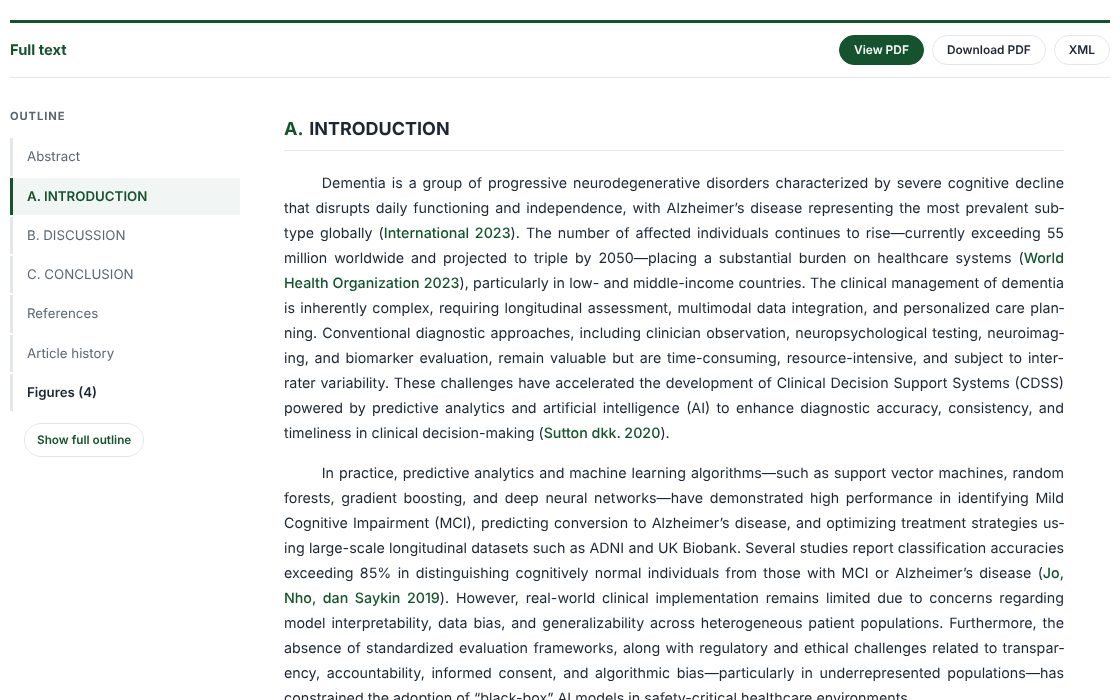
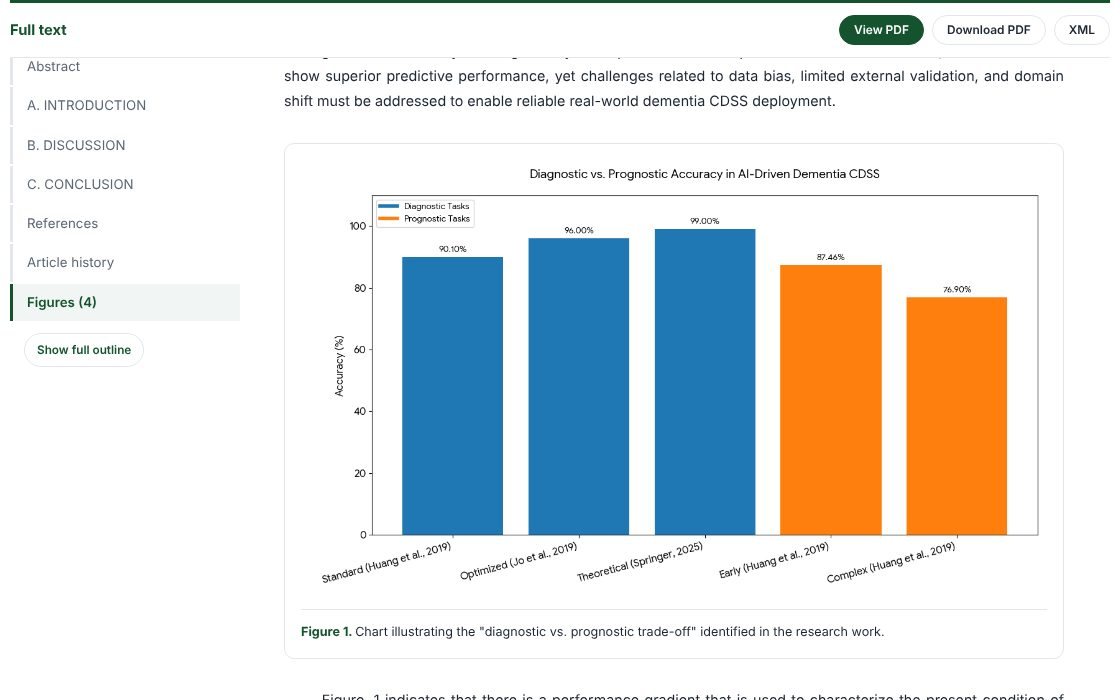
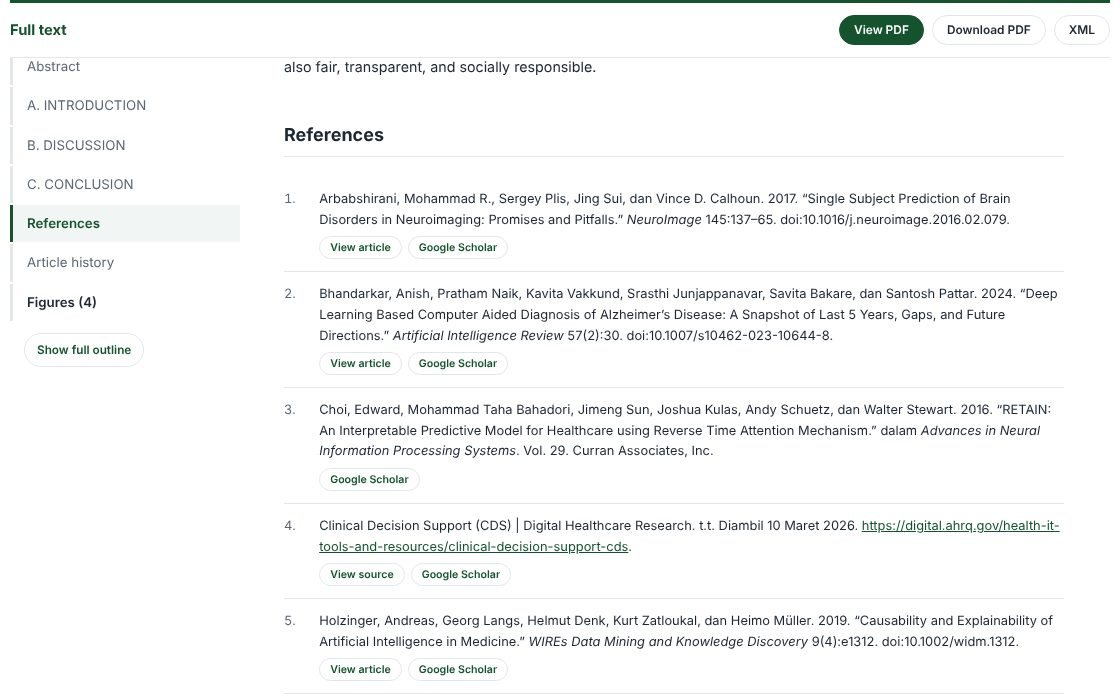

- Outline follows your reading position
- Citations link to the reference list
- Captioned figures and tables
- Comfortable to read on phones
How it works
- 1
Paste the article link
Title, authors, affiliations, abstract, keywords, DOI, volume and pages are read from the article page on your OJS site.
- 2
Check the metadata
Fill in anything missing: author countries, corresponding author, received date and license.
- 3
Upload the DOCX
The article body comes from the final manuscript: nested sections, tables, figures, equations, footnotes and references.
- 4
Download and upload
A ZIP with the XML, images and a report. Upload the XML as a galley and the images as dependent files.
Done automatically
Section structure
Recognises Word Heading styles as well as manual bold headings such as “A. Introduction” or “1.1 Data”, including manuscripts that mix both.
Complete tables
Merged cells (colspan/rowspan), header rows, “Table 1.” captions and source notes below the table.
Figures and captions
Images are extracted with tidy file names and paired with “Figure 1.” or “Figure. 1:” captions.
Linked references
Citations such as (Smith, 2019) or Smith and Lee (2021) are linked to the reference list; DOIs and URLs are tagged. Works with Mendeley and Zotero.
Metadata from OJS
The JATS front matter (journal-meta, article-meta, contrib, aff, history, permissions) is built from your article metadata.
Review report
Every result comes with a list of things to check, including citations missing from the reference list.
Pricing
Free
Free
3 conversions per month
- Ready-to-upload ZIP (XML + images + report)
- Metadata read from the article link
- JATS viewer plugin for OJS
- Results deleted right after download
Silver
Rp 150.000/month
10 conversions per month
- Ready-to-upload ZIP (XML + images + report)
- Metadata read from the article link
- JATS viewer plugin for OJS
- Results kept for 1 days
- Support via WhatsApp/email
Gold
Rp 500.000/month
30 conversions per month
- Ready-to-upload ZIP (XML + images + report)
- Metadata read from the article link
- JATS viewer plugin for OJS
- Results kept for 7 days
- Support via WhatsApp/email
Diamond
Rp 1.000.000/month
100 conversions per month
- Ready-to-upload ZIP (XML + images + report)
- Metadata read from the article link
- JATS viewer plugin for OJS (free)
- Results kept for 7 days
- Support via WhatsApp/email
Save with longer subscriptions: 3 months −5%, 6 months −10%, 12 months −20%.
Frequently asked questions
Do I need to install anything on my OJS?
Not to upload the XML. To display it as full text on the article page, install our JATS Viewer plugin (OJS 3.3–3.5, any theme), included free with the top plan. OJS themes that already have a JATS viewer can display it directly.
What if my journal is not on OJS or the link cannot be read?
Enter the metadata manually in the form. The XML is still standard JATS.
Is my manuscript stored?
No. The DOCX is deleted right after conversion. Only the result ZIP is kept for a short time so you can download it again, then it is deleted automatically.
How accurate is it?
Manuscripts that use Word Heading styles and standard figure/table captions usually convert without corrections. The report in the ZIP flags anything worth checking.
What about equations?
Word equations are written as text inside disp-formula. Complex equations are best inserted as images.